
Last updated November 15, 2026
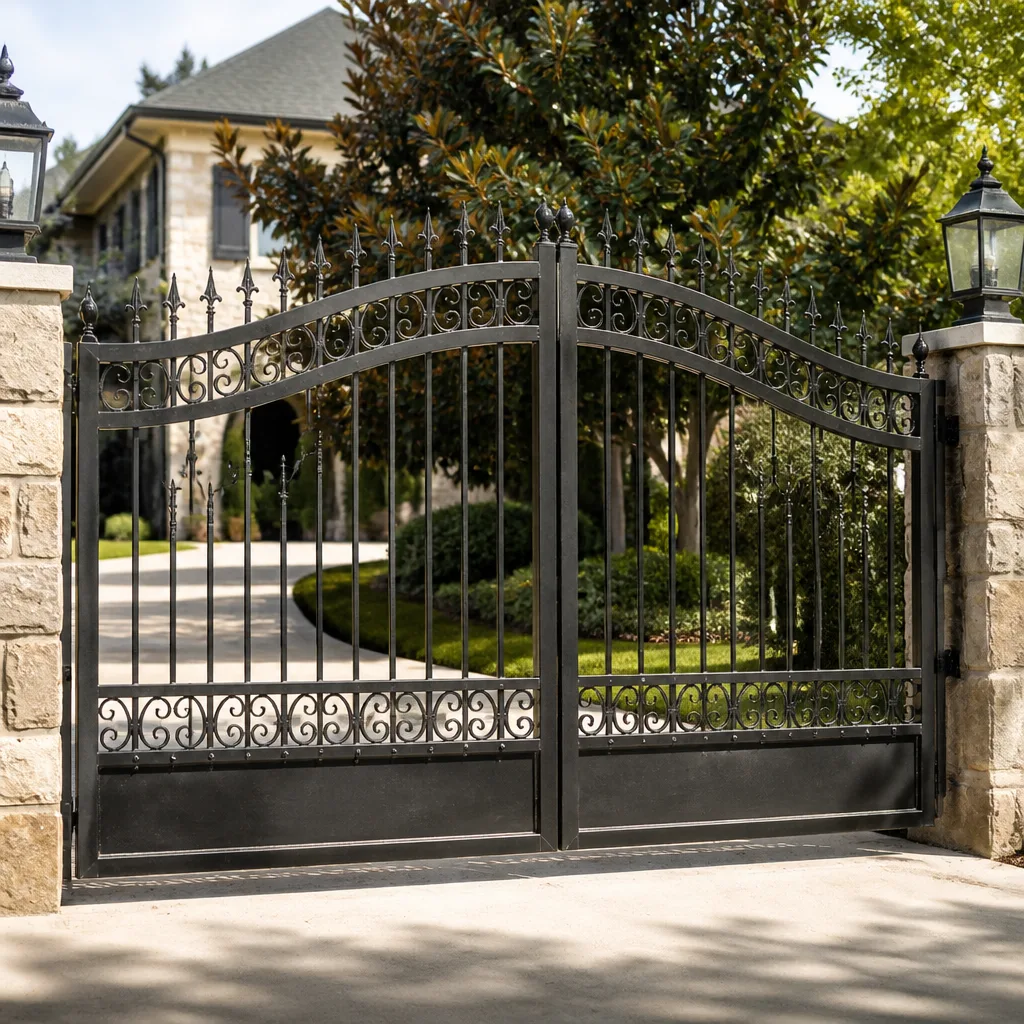 Wrought iron
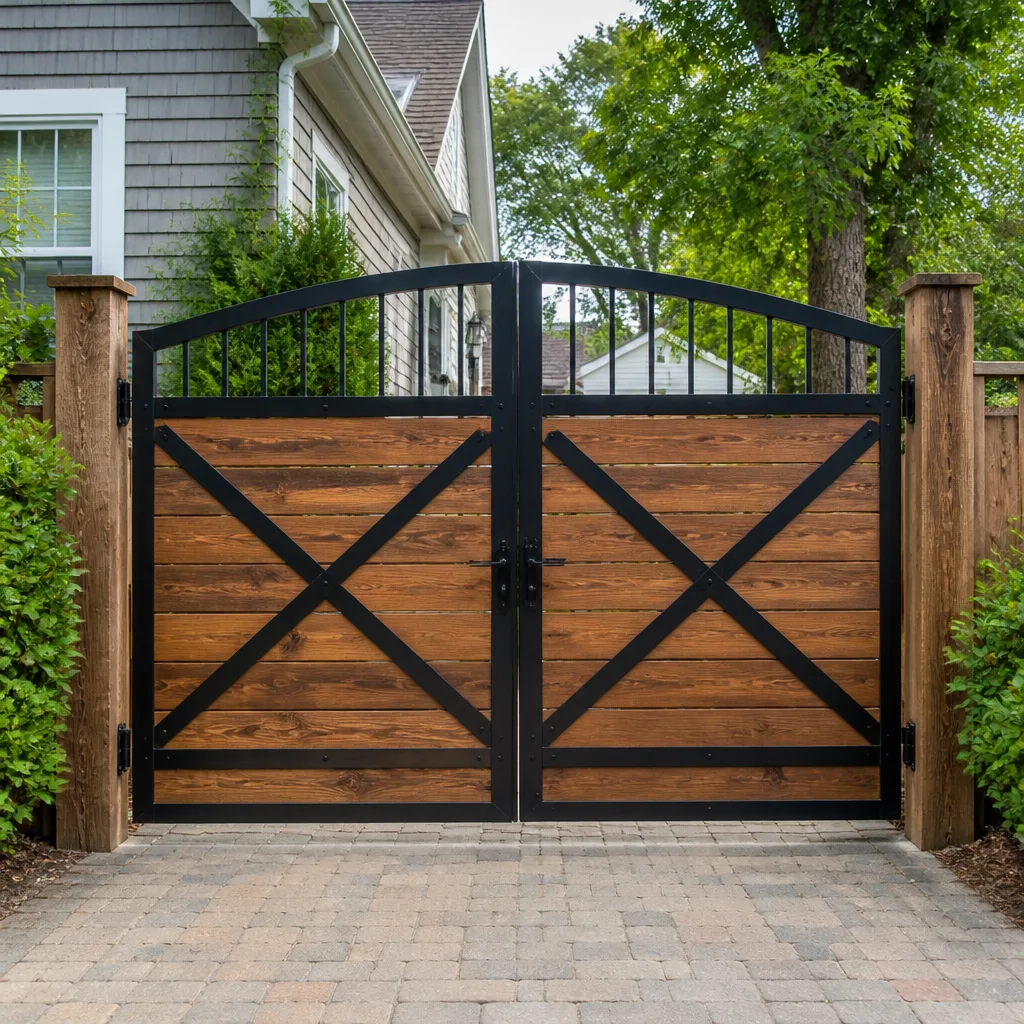 Wood & steel frame
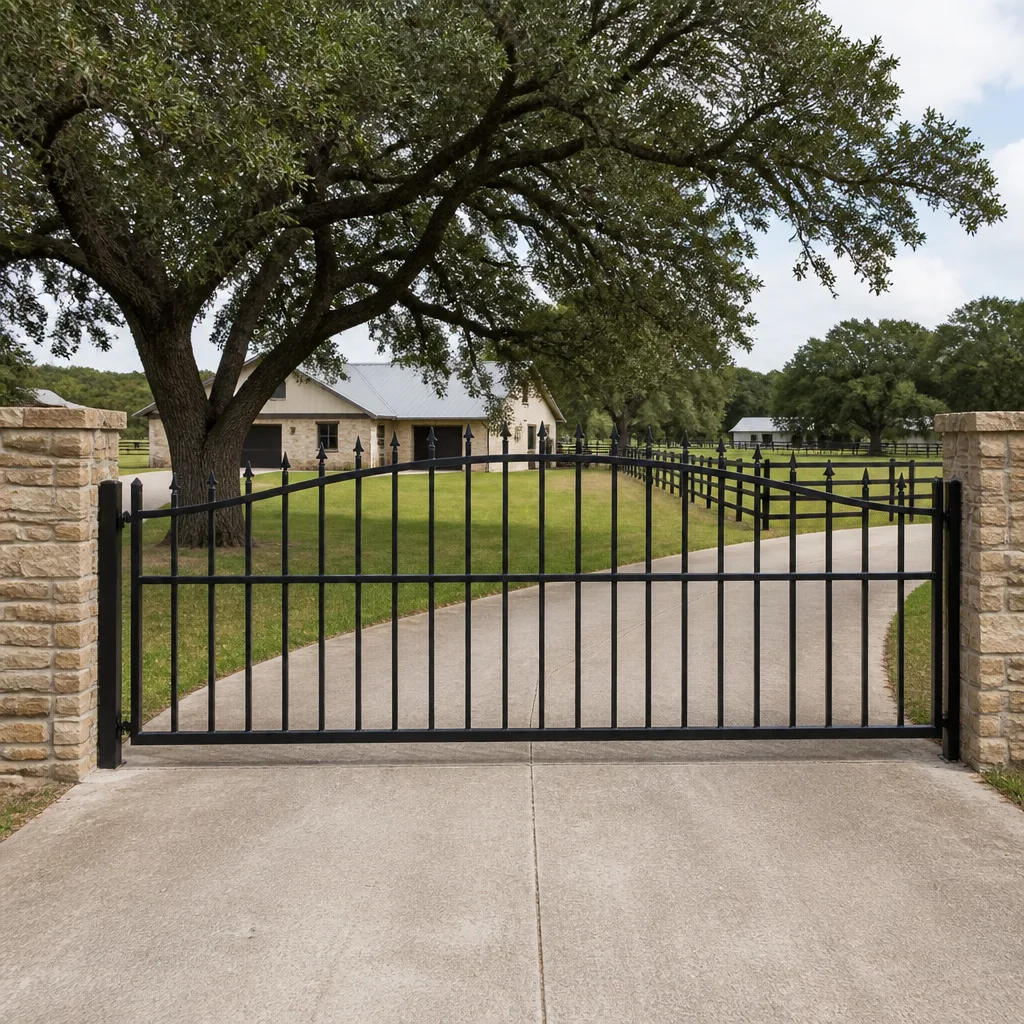 Farm & ranch
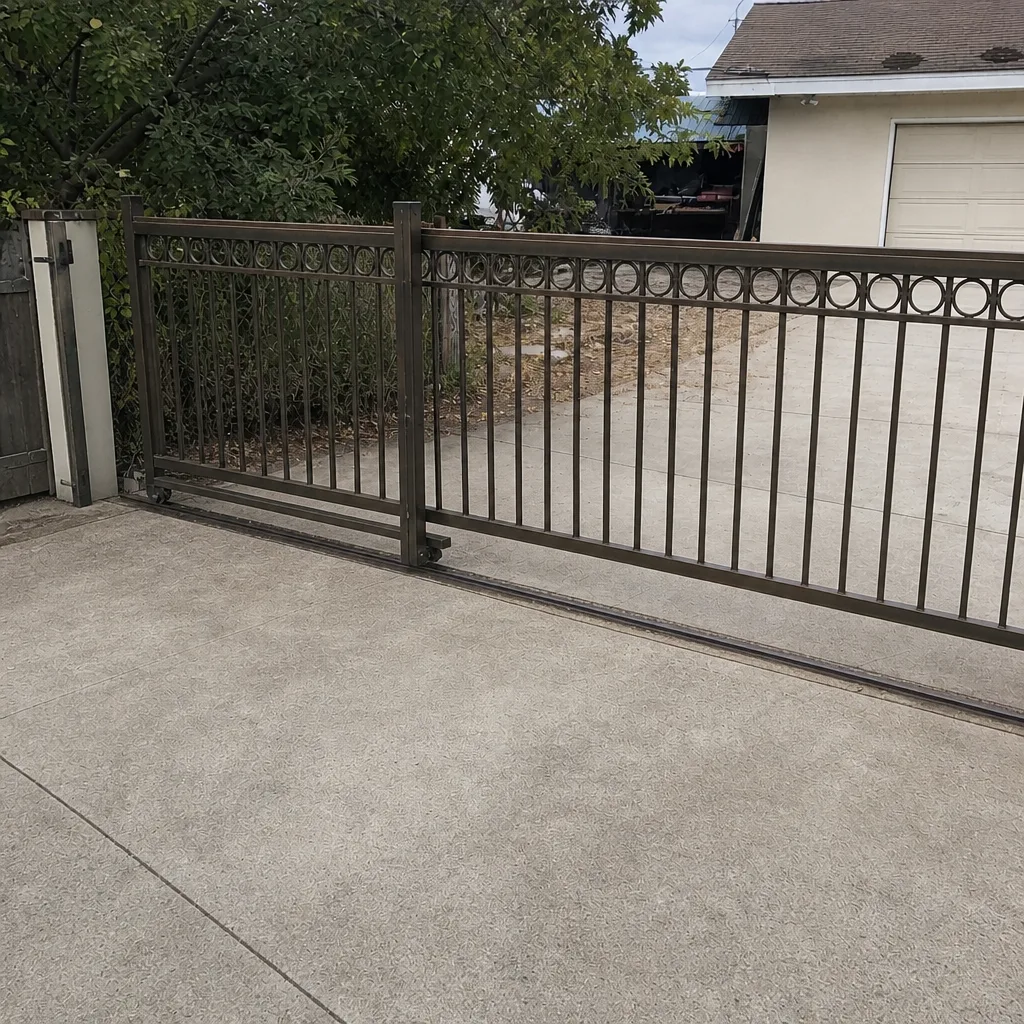
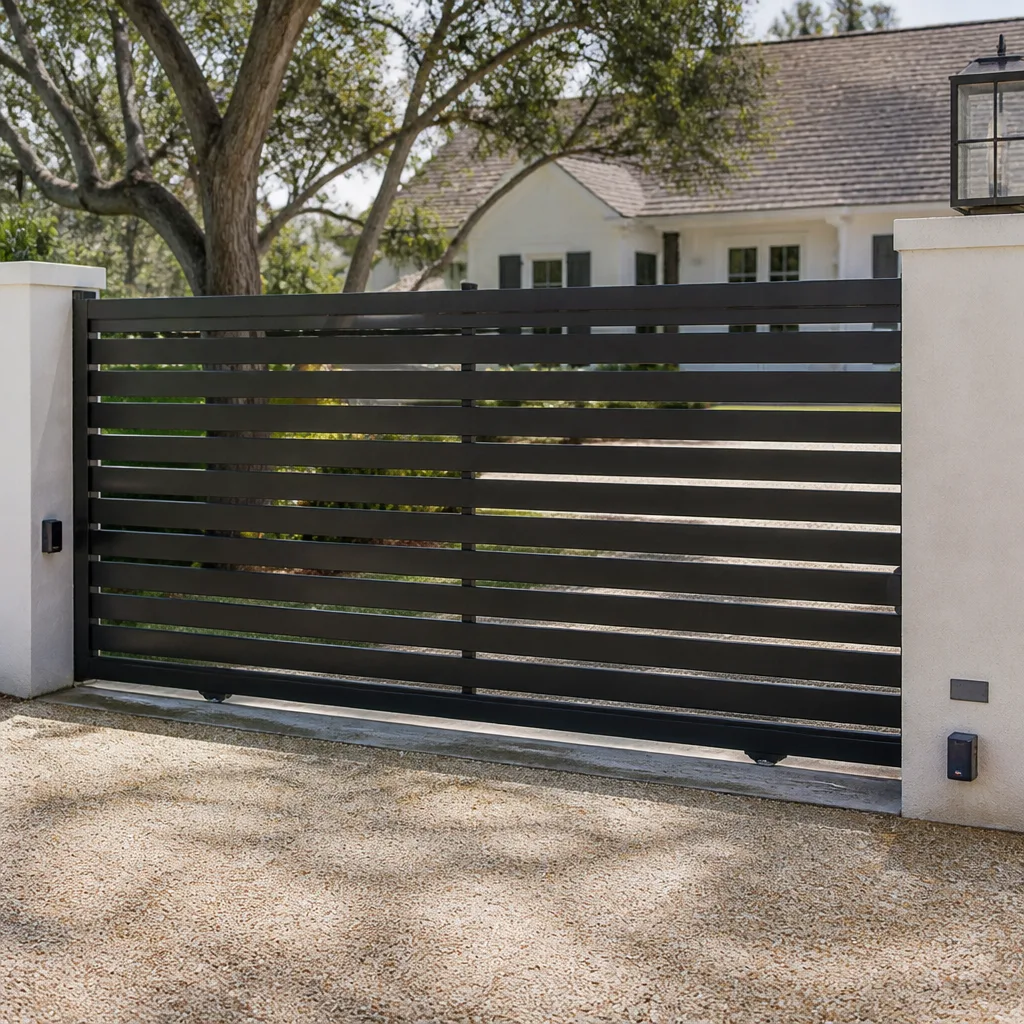 Sliding driveway gates
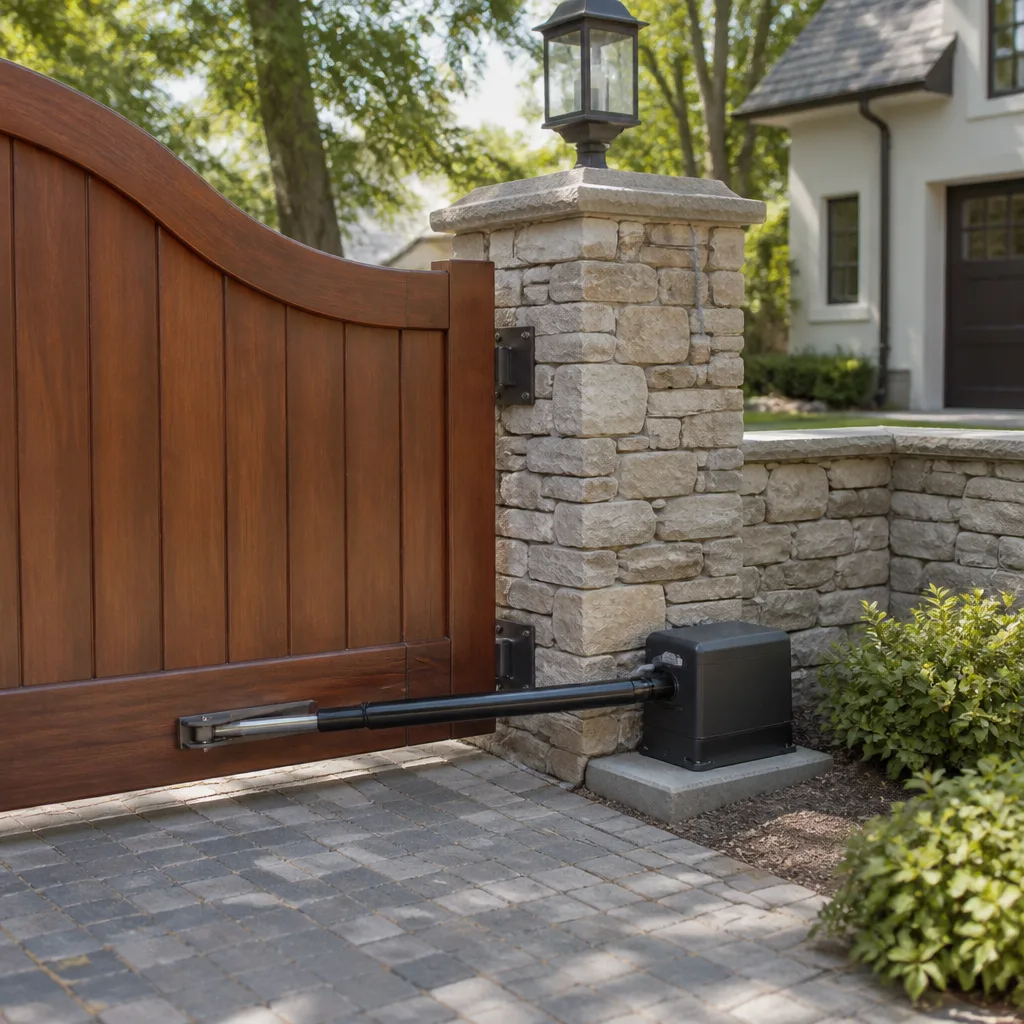 LiftMaster operators
Free on-site gate assessment - hinges, posts, and your LiftMaster or Nice gate operator checked before anything is quoted
The assessment is free and the quote is the invoice.
Get your free estimateGate Repair Troubleshooting in Modesto: Common Problems and How to Fix Them
A gate that reverses mid-cycle is not malfunctioning. It’s telling you exactly what’s wrong, and a technician who doesn’t read that signal inside the first minute is guessing. Most gate failures land in one of six diagnostic buckets: power, logic board, obstruction, mechanical, sensor, or loop. Knowing which bucket you’re in before anyone touches the gate is the difference between a straightforward fix and a service call where the wrong part gets swapped. This guide teaches you to triage your own gate, so when you call, you’re describing a symptom a specialist can act on. We repair and install gates across Modesto, from residential swing gates to commercial slide systems.
Styles & brands we work with
- Wrought iron
- Wood & steel frame
- Farm & ranch
- Sliding driveway gates
- LiftMaster operators
Quick Answer
Gate repair troubleshooting in Modesto starts with one question: does the gate have power? If the operator is silent, check the breaker and the control transformer first. If the gate moves but reverses, stalls, or drifts, the problem is usually an obstruction sensor out of alignment, a limit switch off position, or a failing logic board. Reading the operator’s blink pattern narrows it further, and brand-specific codes for LiftMaster, Viking, and DoorKing operators tell you which of the six failure categories you’re dealing with before a technician arrives.
Table of Contents
- The Six Diagnostic Categories Every Gate Failure Falls Into
- Decoding Blink Patterns on LiftMaster, Viking, and DoorKing Operators
- Dead Logic Board or Tripped Thermal Overload? How to Tell Them Apart
- Obstruction Sensor Alignment and the Two-Finger Clearance Rule
- Loop Detector Diagnostics: Wire, Card, or Classification Setting
- When a Dead Gate Is a Capacitor Failure, Not a Motor Replacement
- How Modesto Summers Affect Gate Hardware
- Common Mistakes to Avoid
- When to Call a Professional
- Frequently Asked Questions
- The Bottom Line
The Six Diagnostic Categories Every Gate Failure Falls Into
Every automated gate problem we see in Modesto fits one of six categories. Sorting the symptom into the right category at the start cuts diagnosis time sharply, because each category has its own test path and its own likely parts. The categories are:
- Power. No voltage reaching the operator. Symptoms: dead keypad, silent motor, no LED on the control board. Check the breaker, the disconnect at the gate, and the transformer output.
- Logic board. Voltage reaches the operator but the board doesn’t process commands. Symptoms: blinking error codes, no response to remote or keypad, or erratic cycling. This is the most expensive category and the one most often misdiagnosed.
- Obstruction. The gate starts, then reverses. Symptoms: smooth travel in one direction, immediate reversal, no physical blockage visible. Almost always a sensor or a limit switch issue.
- Mechanical. The operator is working but something in the gate itself is binding. Symptoms: motor hums but the gate doesn’t move, grinding, dragging, or a gate that sags and catches on the ground.
- Sensor. The safety edges, photoelectric eyes, or reversing sensors are reporting a false obstruction. Symptoms: gate reverses even with nothing in the path.
- Loop. The vehicle detector loop is failing to hold the gate open or failing to trigger it. Symptoms: gate closes on a car, or gate won’t open for a vehicle that’s clearly over the loop.
In our experience, homeowners in Modesto often jump straight to “the motor is broken” when the gate reverses. A reversing gate is a safety circuit doing its job, which means you’re in category three or five, not category four. Categorize before you diagnose.
Decoding Blink Patterns on LiftMaster, Viking, and DoorKing Operators
Most gate operators have a diagnostic LED on the control board that blinks in a coded pattern when something is faulting. The pattern is often the fastest path to the answer, and it’s brand-specific. Here’s how the three most common residential and commercial brands behave.
LiftMaster Operators
LiftMaster gate operators typically blink the diagnostic LED a set number of times, pause, then repeat. The count maps to a specific fault. Common patterns tell you whether the encoder is out of sync, the limit switch is misread, or the board is not seeing the safety sensor. If the LED blinks while the gate sits idle, that’s a standby fault code. If the LED is dark while the gate sits idle and lights only when the remote is pressed, the board is receiving the signal and the fault is downstream. LiftMaster’s diagnostic pattern is stable across the residential series, so a technician familiar with the brand can read it in seconds.
Viking Operators
Viking control boards usually show fault codes on a seven-segment display or a repeating LED sequence. Viking systems commonly flag a reverse on obstruction, a limit switch fault, or a low battery condition. If you see a code that shows during a normal open or close cycle, that’s the category the board is complaining about, not a random glitch. Write the code down before you call – it saves the technician a step.
DoorKing Operators
DoorKing commercial and multi-family operators often have a display or a bank of LEDs. DoorKing fault indications tend to differentiate between a stuck open command, a reverse command, and a loop detector fault. On commercial properties, a DoorKing board that’s calling a loop fault with an intact loop wire usually points at the detector card, not the loop itself. That distinction matters when you’re a property manager deciding whether to call us for electric gate repair or pull a maintenance team off another job.
If your gate brand is BFT, Linear, Ghost Controls, or any other brand we work on, the same principle applies: the blink pattern is a code, and the code tells you which of the six categories you’re in. We repair LiftMaster, FAAC, BFT, Linear, Viking, Ghost Controls, DoorKing, Elite, and Mighty Mule operators.
Dead Logic Board or Tripped Thermal Overload? How to Tell Them Apart
A gate that won’t respond at all, but has power at the operator, can have a dead logic board or a tripped thermal overload. From the outside, the two look identical: no movement, no response to the remote, no response to the keypad. The difference is the thermal overload resets and the dead board doesn’t.
What a Thermal Overload Looks Like
Many gate operators have a thermal overload built into the motor or the control board. When the motor has run too hot – from repeated cycles, a binding gate, or a long day of continuous use – the overload cuts power to protect the motor. The gate stops, waits, and then resumes once the motor cools. If your gate stops after several cycles and then works again later with no other change, you’re dealing with an overload, not a dead board. The most common cause is a binding gate forcing the motor to work harder than it should.
What a Dead Logic Board Looks Like
A dead board shows a different signature. The gate doesn’t recover on its own. The LED on the board stays dark even with power confirmed at the terminals. The remote and keypad get no response. Sometimes the board will show a fault LED that never clears. A board failure is often caused by a power surge, water intrusion into the control enclosure, or a short in the operator wiring. In Modesto’s summer heat, sun-baked control boxes on driveway gates can get warm enough to accelerate component failure, which is one reason we see more board issues on west-facing enclosures.
How to Tell the Difference Safely
- If the gate recovers after a cooldown period, suspect the overload and inspect for a binding gate or a tired motor.
- If the gate never recovers and the board’s LED is dark with confirmed power, suspect the board.
- Never open the control enclosure and probe live terminals. If you’re not sure, stop and call.
Getting this wrong is expensive because a board costs several hundred dollars more than an overload reset. We’ve seen gates where a binding wheel caused the motor to trip the overload, and the previous shop replaced the entire logic board instead of addressing the actual mechanical bind. Categorize first, then repair.
Obstruction Sensor Alignment and the Two-Finger Clearance Rule
Safety sensors are the number one cause of reversing gates in Modesto. Photoelectric eyes on either side of the gate travel must see each other to confirm the path is clear. If they don’t, the gate reverses or refuses to close. The fix is alignment, and alignment is testable with a simple rule.
The Two-Finger Clearance Rule
Walk up to the sensor on the fixed post and the sensor on the moving gate. Place two fingers between the sensor’s lens and the nearest solid object – a fence post, a bracket, a wall. If your fingers don’t fit without touching either surface, the sensor is too close to an obstruction and will fault intermittently. If your fingers fit with room to spare, the spacing is in spec. Do the same on the gate side.
Why Modesto’s Heat Warps Bracket Alignment
Sensors are typically mounted on brackets bolted to the gate or the post. Those brackets are metal, and metal expands in heat. Through summer, driveway gates facing the afternoon sun can reach surface temperatures well above ambient. That expansion pushes brackets out of position by a fraction of an inch, enough to shift the sensor’s infrared beam off the receiver. When the beam misses, the gate reverses. The problem is intermittent, worse in the afternoon, fine in the morning. Homeowners in Modesto’s hotter inland neighborhoods often describe a gate that “works in the morning and reverses at 3pm,” which is a classic heat-related bracket drift symptom. The fix is realigning the sensor and locking the bracket back down, not replacing the sensor.
Testing Sensor Alignment
- Power the gate and command a close.
- While the gate is closing, break the beam with a hand. The gate should reverse immediately.
- If the gate reverses with no hand in the beam, the sensors are misaligned or the beam is blocked by debris.
- Clean the lenses, verify bracket rigidity, and realign. If reversal persists, test the sensor’s indicator LED on the receiver.
If the sensors test correctly but the gate still reverses, the problem is upstream – the safety edge, the limit switch, or the logic board. That’s the point at which the gate repair specialist should read the operator’s code before swapping parts.
Loop Detector Diagnostics: Wire, Card, or Classification Setting
Vehicle loop detectors are a category of their own, and they’re the most misdiagnosed on commercial and multi-family properties. A loop is a length of wire embedded in the pavement, connected to a detector card in the operator housing. When a vehicle drives over the loop, the wire’s magnetic field changes, and the card tells the operator to open or hold. When a gate fails to open for a car, or closes on a car, you’re in the loop category – and you need to know whether the fault is the wire, the card, or the vehicle classification setting.
Test One: Is the Wire Intact?
Park a car directly over the loop and wait. The detector card should show a call. If it never shows a call, the loop wire may be cut or shorted. Loop wires are common casualties of pavement that’s cracked and shifted in heat, which is a real concern on Modesto driveways. Sometimes the loop is simply disconnected at the splice in the operator housing.
Test Two: Is the Card Working?
If the wire shows a call but the gate doesn’t respond, the detector card has likely failed. The card is a plug-in or screw-terminal module, and it fails more often than the wire does. If the gate holds a car but the hold won’t release, that’s another card signature.
Test Three: Is the Classification Setting Wrong?
Some loop detector cards are configured for a specific vehicle class – a car, a truck, or a motorcycle. If the setting is wrong, the card may miss small vehicles or misread a stopped car. This is a configuration problem, not a hardware failure, and it’s fixable without replacing anything.
On commercial properties in Modesto, this diagnostic work is where a specialist’s brand experience matters. FAAC, BFT, and DoorKing commercial operators use loop detector cards with different behaviors, and the wrong card will behave erratically. A property manager who calls a general handyman for a loop fault often pays for a part swap that doesn’t fix the problem.
When a Dead Gate Is a Capacitor Failure, Not a Motor Replacement
When a gate motor hums but doesn’t move, or doesn’t start at all, the answer is more often a capacitor than a motor. A capacitor is a small, inexpensive component that boosts starting torque. When it fails, the motor loses its starting push and the gate won’t lift off the limit. It looks like a dead motor, but the motor is fine. A motor replacement is a major job; a capacitor replacement is a small one. The distinction matters.
Signs Pointing to the Capacitor
- The motor hums but doesn’t move, especially on the first command after a rest.
- The gate stalls at the same point in travel every time.
- The operator starts the gate in one direction but not the other.
- The motor runs, but with noticeably less power than it used to.
Signs Pointing to the Motor
- The motor runs but the gate barely moves even when the gate is manually free.
- Grinding or metallic noise from the motor itself.
- The motor is hot to the touch after a short run with the gate unhooked.
- The motor has burned through multiple capacitors – that’s a motor or supply problem.
A capacitor is usually a small replacement part; a motor is not. Getting the diagnosis right at the start is the whole game. If you’re not comfortable testing a capacitor with a multimeter, or you’re not sure whether the capacitor or the motor has failed, call us. Replacing a motor when a capacitor has failed is the single most expensive misdiagnosis we see on the residential side.
The other category confusion to watch for: a gate that won’t move at all in either direction may have no power, a dead board, or a seized gearbox. If the motor hums in one direction but not the other, the capacitor is a strong suspect. If the motor hums in both directions but the gate doesn’t move, the gearbox or the gate itself is binding.
How Modesto Summers Affect Gate Hardware
Modesto’s inland summer heat is hard on gate hardware. It’s not a frost issue (this is a mild-winter valley, not a mountain town), and it’s not salt air. The issue is expansion, warping, and heat soak in control enclosures.
- Bracket drift on sensors. Metal brackets expand, sensors misalign, gates reverse. This is the most common heat-related failure we see.
- Control box heat soak. Sun-facing control enclosures get hot enough that internal components age faster. Shade, ventilation, or repositioning the enclosure is often the right long-term fix.
- Loop wire at the pavement joint. Thermal expansion and contraction crack pavement and stress loop wires. Loops fail at the joint more often than anywhere else.
- Wood gate swelling and settling. Wood gates move with the seasons. A gate that’s fine in spring can sag in summer, catch a wheel, and force the motor into overwork – which is how you end up with a thermal overload on a “dead” gate.
The pattern here is that heat doesn’t break a gate outright. It pushes mechanicals out of tolerance, and the operator responds with a fault. If you live in a Modesto neighborhood where gates face direct afternoon sun, build sensor alignment into your twice-a-year check routine. Our technicians have up to 11 years of experience with this exact pattern across the valley.
Common Mistakes to Avoid
- Replacing the logic board before ruling out the overload. A heat-driven overload and a dead board look identical from outside, but they’re hundreds of dollars apart in repair cost. Always test the overload recovery first – let the motor cool with the gate free and see if it runs.
- Swapping sensors when the real problem is bracket alignment. A misaligned sensor and a failed sensor both cause the gate to reverse. Check the two-finger clearance rule and the bracket before you buy a replacement.
- Assuming a loop fault means a new loop wire. Loop wires fail, but the detector card fails more often. Test the card before anyone digs up pavement.
- Force-closing a gate that’s reporting an obstruction. The gate is doing what it’s designed to do. Forcing it overrides a safety circuit and can shear the motor. Diagnose the cause.
- Ignoring the gate itself. A gate that binds or sags forces the motor to work harder, which overheats it and trips the overload. Fix the gate, not just the operator.
- Opening the live control enclosure without training. Control boards carry line voltage and capacitors store a charge after power is removed. This is not a safe DIY zone.
- Calling a general handyman for a brand-specific fault. BFT, Linear, Viking, and Ghost Controls operators all have their own diagnostic codes. A generalist will guess at the same fault a specialist reads in seconds.
When to Call a Professional
Call a gate specialist when the gate keeps reporting an obstruction after you’ve cleaned the lenses and checked the two-finger clearance, when the operator shows a fault code you can’t decode, when a gate starts reversing inconsistently, or when you’re not sure whether the problem is a board, an overload, a capacitor, or a motor. Call us as soon as “I’ll try swapping a part” becomes the plan – that’s where guesswork gets costly. Our Modesto gate specialists handle residential swing and slide gates as well as commercial access systems. Gate Repair Modesto offers free estimates in Modesto – call (844) 834-3242. We answer 24/7. Fast dispatch from 7am to 7pm, Sunday through Friday. Your written estimate sets the final price before work begins, so the bill matches the quote.
Frequently Asked Questions
An open-only or close-only gate usually has an obstruction sensor or safety edge reporting a fault on the closing side, or a limit switch that’s stuck in the open position. It can also be a board fault on the close command channel. Because the fault is direction-specific, the test is straightforward: bypass the sensor and see if the gate closes. If it does, the sensor or its wiring is the cause. Call (844) 834-3242 for a diagnosis – estimates are free.
The blinking pattern is a diagnostic code, and it’s brand-specific. On LiftMaster operators, the count of blinks between pauses identifies the fault – encoder, limit, or safety sensor. Viking systems show a repeating sequence that often points at obstruction or limit faults. DoorKing operators on commercial properties typically show faults that differentiate open commands, reverse commands, and loop faults. Write the pattern down and read it to the technician. Call (844) 834-3242 – estimates are free.
In practice, no – not safely. Control boards carry line voltage, and the capacitors on the board hold a charge after power is removed. More important, the diagnostic is where the real work is: a board should only be replaced after power, overload, and the gate mechanism have all been ruled out. Replacing a board that wasn’t the problem is a common and expensive mistake. Call (844) 834-3242 – estimates are free.
Park a car over the loop and watch the detector card’s indicator. If the card shows no call, the loop wire is likely cut or disconnected. If the card shows a call but the gate doesn’t respond, the card has likely failed. If the gate holds a car but won’t release it, or misses small vehicles, the vehicle classification setting on the card is likely wrong. A specialist reads all three at once. Call (844) 834-3242 – estimates are free.
A gate that reverses mid-travel is almost always a sensor or limit issue. On Modesto gates, the most common cause is the obstruction sensor bracket shifting out of alignment with summer heat, which pushes the infrared beam off the receiver. Check the two-finger clearance rule first. If the sensors are aligned and clean and the gate still reverses, the fault is in the safety edge, the limit switch, or the board. Call (844) 834-3242 – estimates are free.
Yes, because a capacitor failure and a motor failure look identical from the outside, but only one of them requires a motor replacement. A capacitor is a small replacement part; a motor is not. A specialist tests the capacitor with a meter and confirms whether the motor is actually failing before quoting. That single test is the difference between a small repair and a large one. Call (844) 834-3242 – estimates are free.
The Bottom Line
Gate failures are not random. They fall into six categories – power, logic board, obstruction, mechanical, sensor, or loop – and once you know which one you’re in, the repair path is shorter and the parts cost drops. Read the blink pattern, test the sensors with the two-finger rule, check the loop before the wire, and never replace a logic board until the overload is ruled out. Our technicians are trained on nine gate brands, from residential Ghost Controls and Mighty Mule to commercial FAAC, BFT, and DoorKing systems, and we handle Gate Repair Modesto as our only trade. Call (844) 834-3242 for a free estimate and a written price before any work starts.
Written by the team at Gate Repair Modesto.
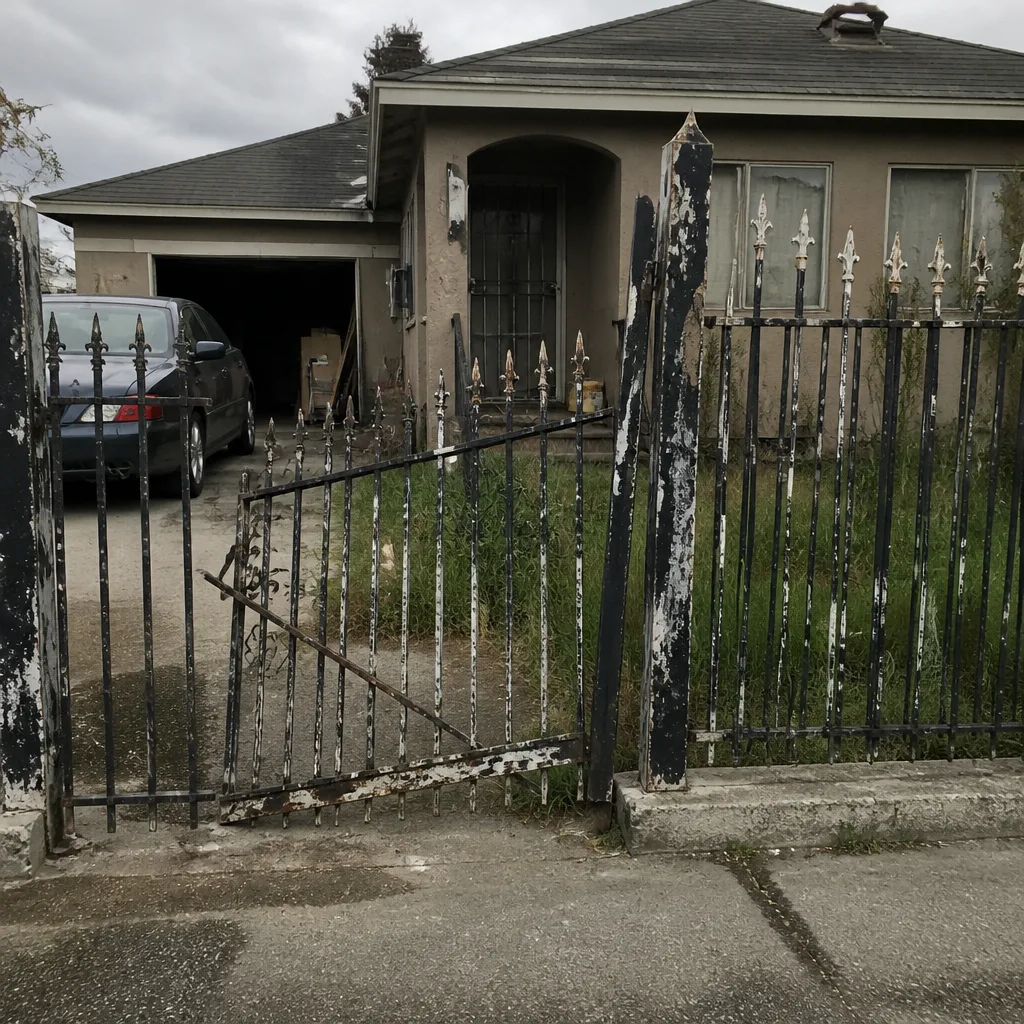
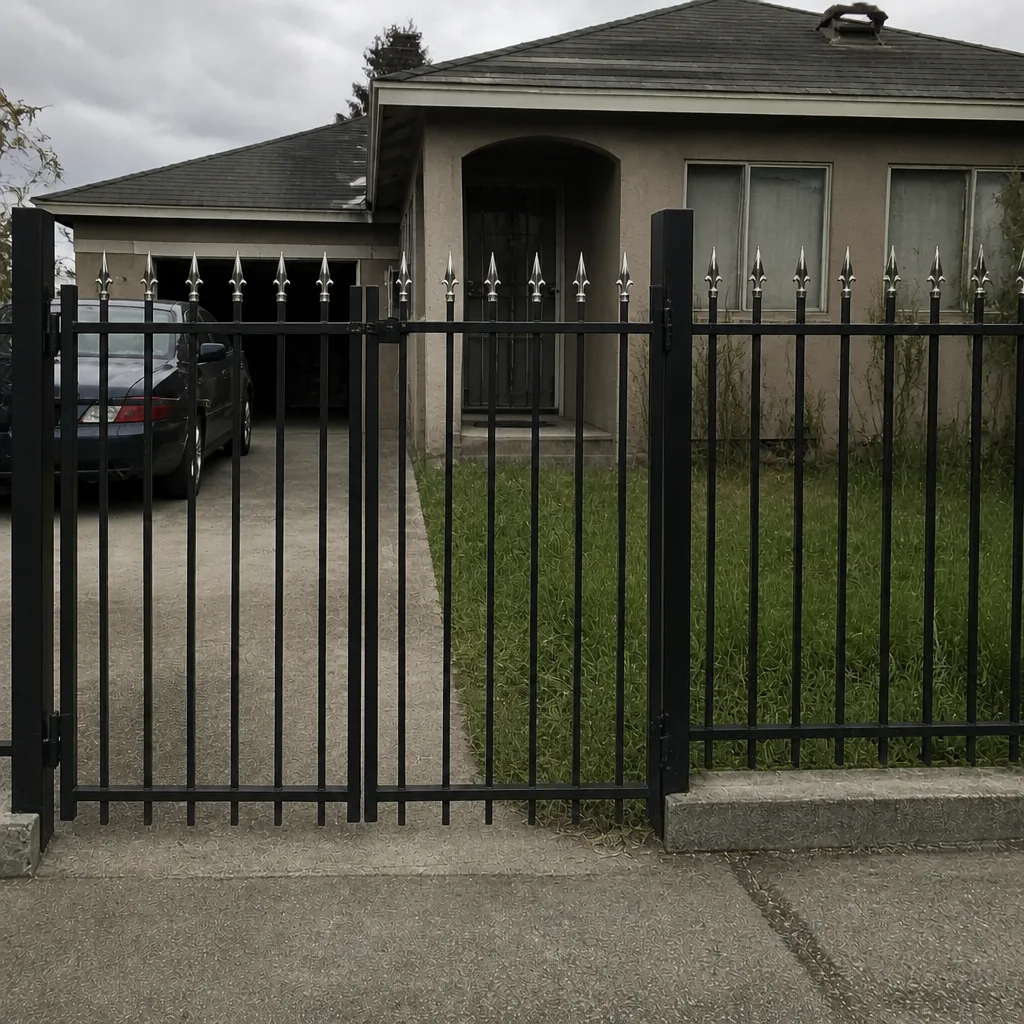
See the difference
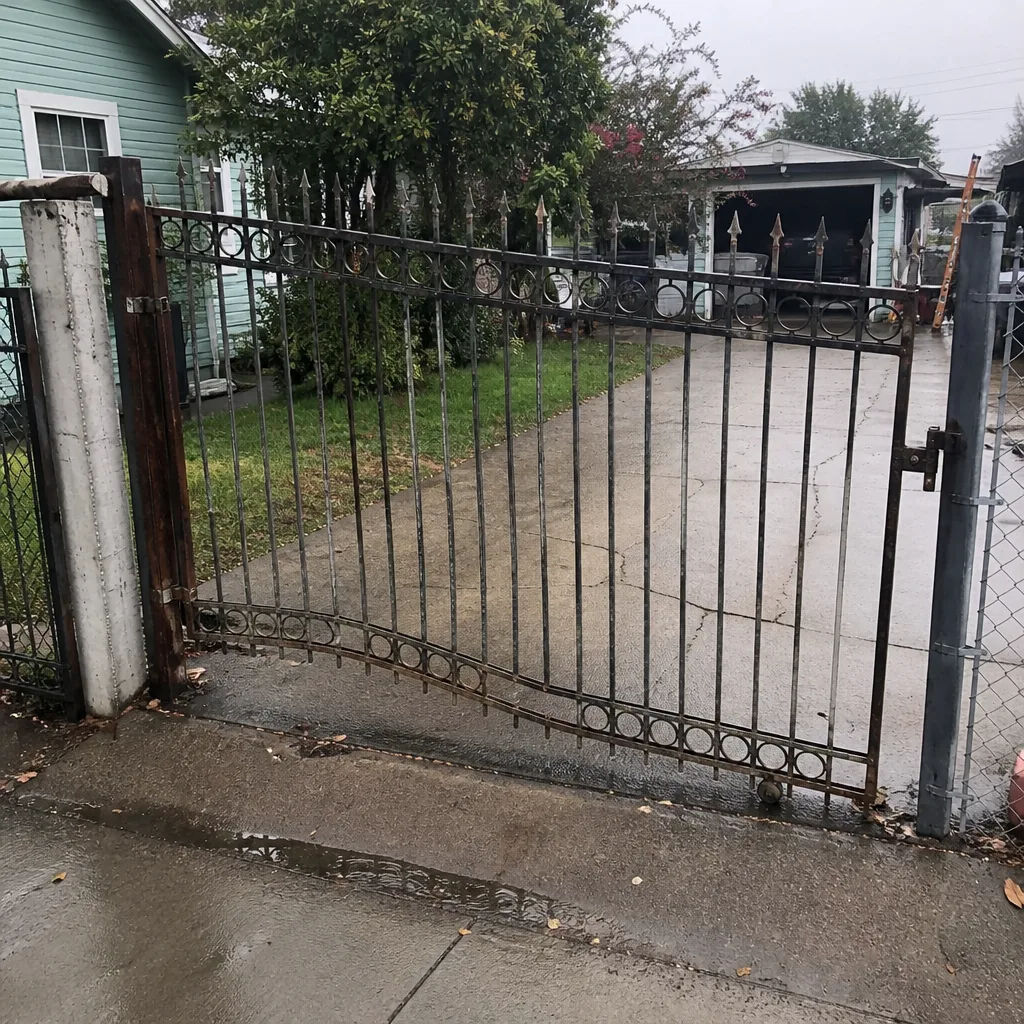 Before
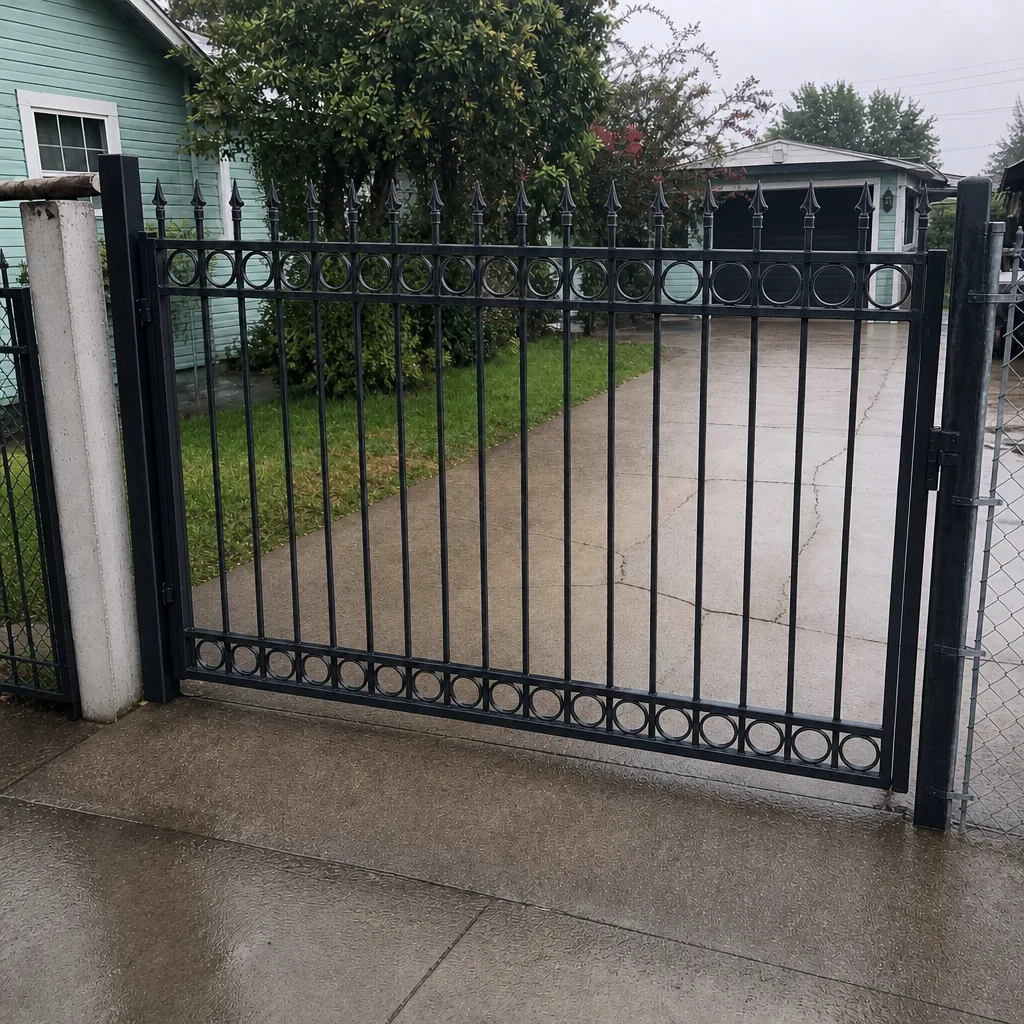 After
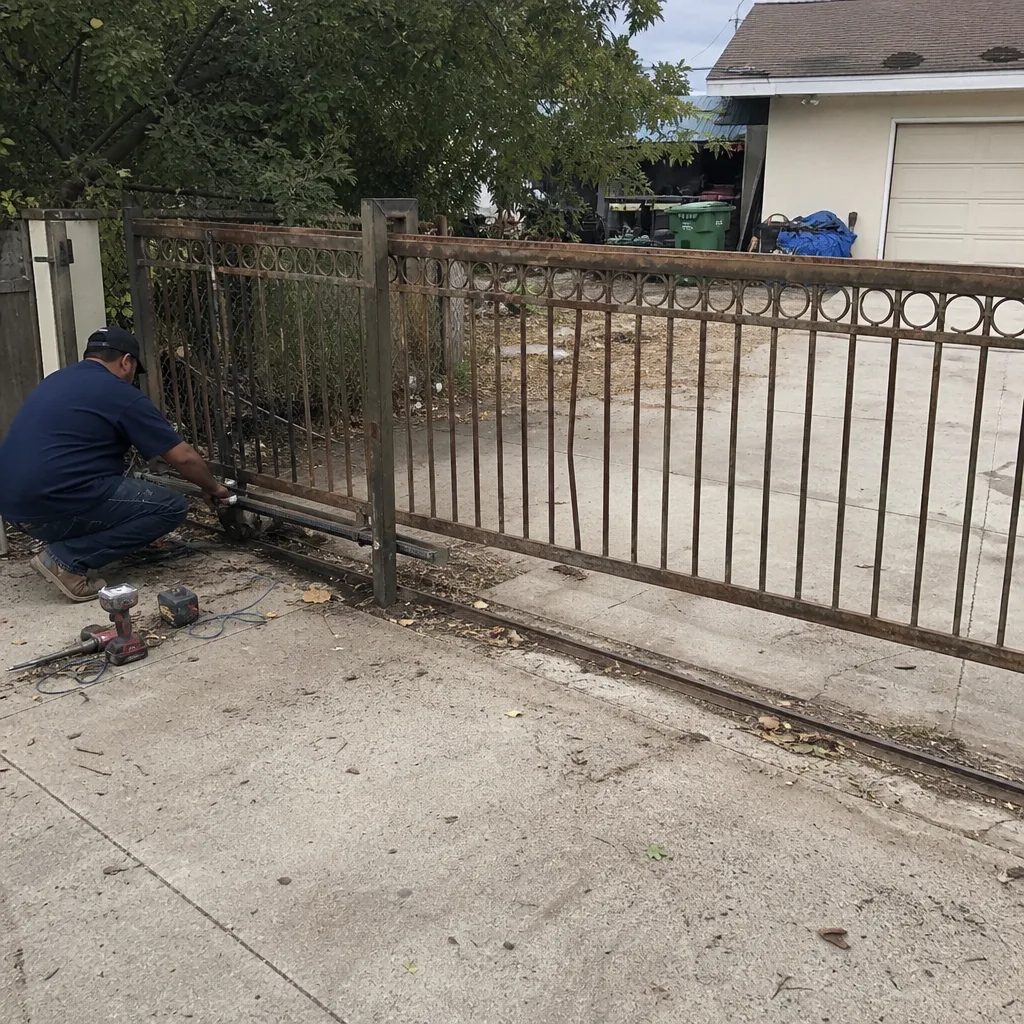 Before
 After
 Before
 After